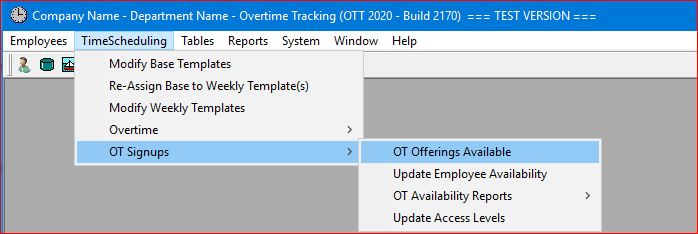
Select the TimeScheduling | OT Signups | OT Offerings Available main menu option.
or click on the Tool Bar icon 
 .
.
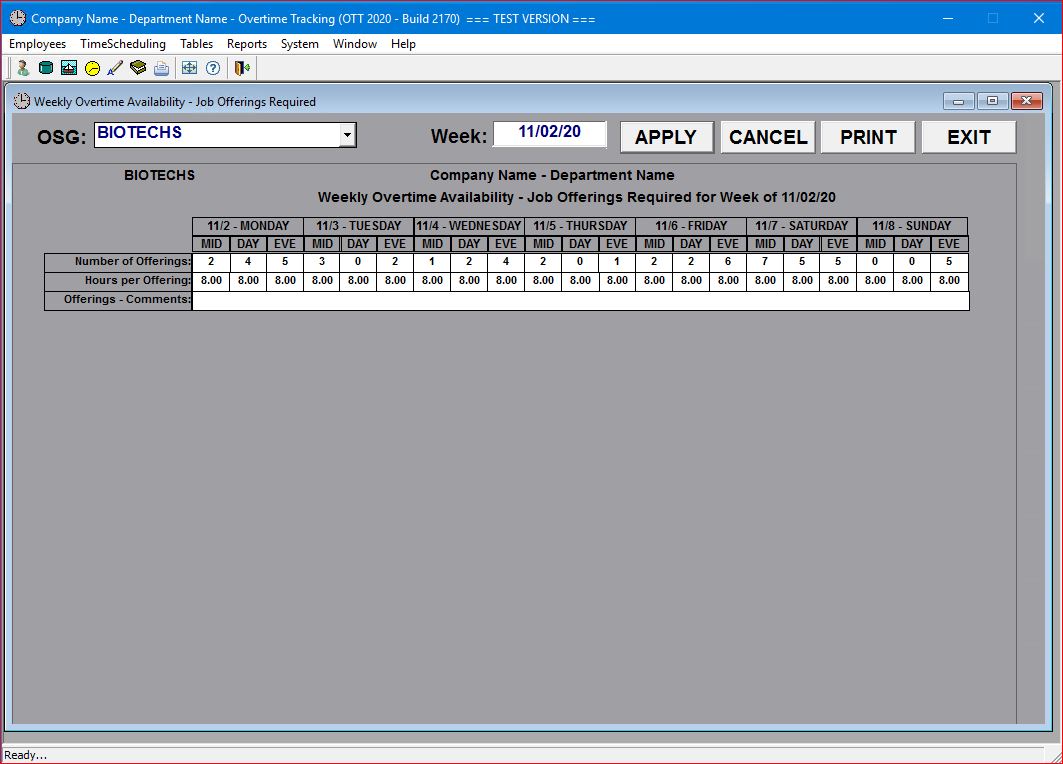
The system will display a screen where you can enter and/or update the anticipated overtime assignments for the current week.
You can then select any OSG (within your company or department) or Report Date (for any future week available in the drop-down list of weeks without having to return to the menu:
The system also provides an option to provide Job Descriptions along with the Job Offerings.
This option may also be configured to allow for multiple Job Offerings on the same shift (note that MON EVE has 2 job offerings in the screen below).
Job Descriptions are stored in a separate database table and are available in a drop-down list format:
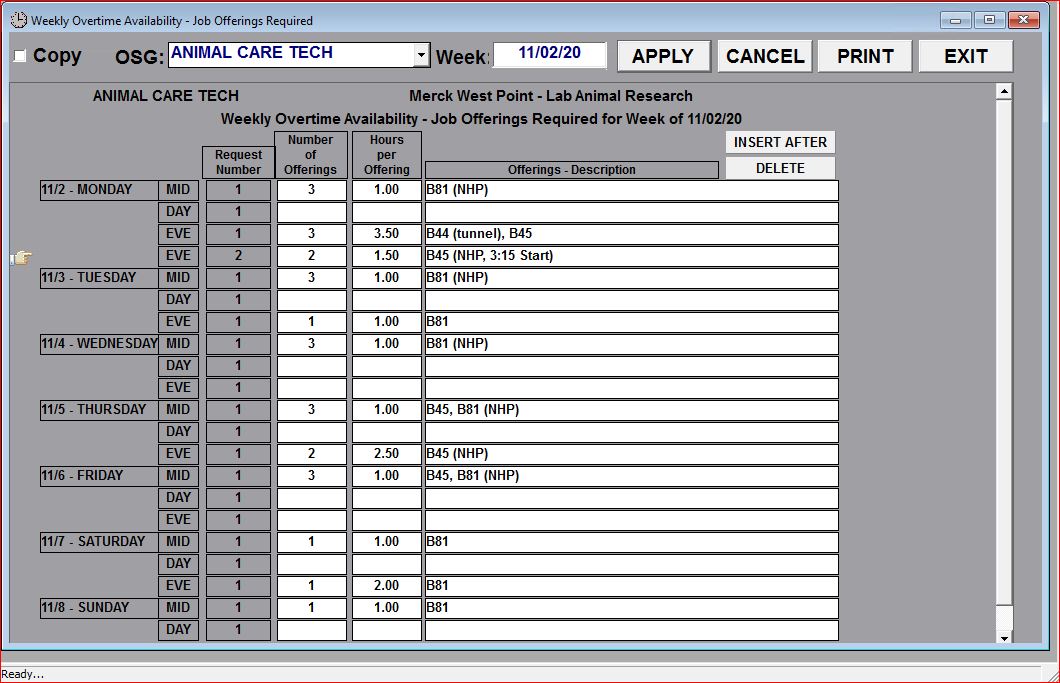
You can ADD an additional job offering to the selected shift ("pointing hand" icon) by clicking on the INSERT AFTER button. Any additional job offering can also be deleted using the DELETE button, but the original offering (Request Number 1) can NOT be deleted. Of course, any job offering can be updated and/or cleared (which would effectively delete the offering).