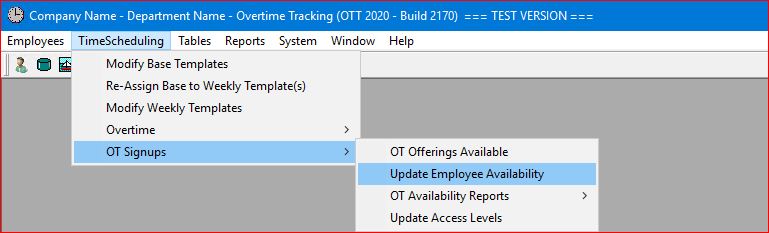
Select the TimeScheduling | OT Signups | Update Employee Availability main menu option.
This is an Administrative function whereby an Administrator in your company or department can assign selected Supervisors the access to Update an employee's availability in situations where the employee themselves are not able to (e.g. employee may be off-site due to an absence or simply is not currently working) and that employee would like to have their availability changed for whatever reason.
This function allows the Supervisor to update that employee's availability for the employee.
Note that ALL updates to an employee's availability are logged by the system for tracking purposes whether entered by the employees themselves or entered by a Supervisor along with identification as to who applied the update for the employee's availability.
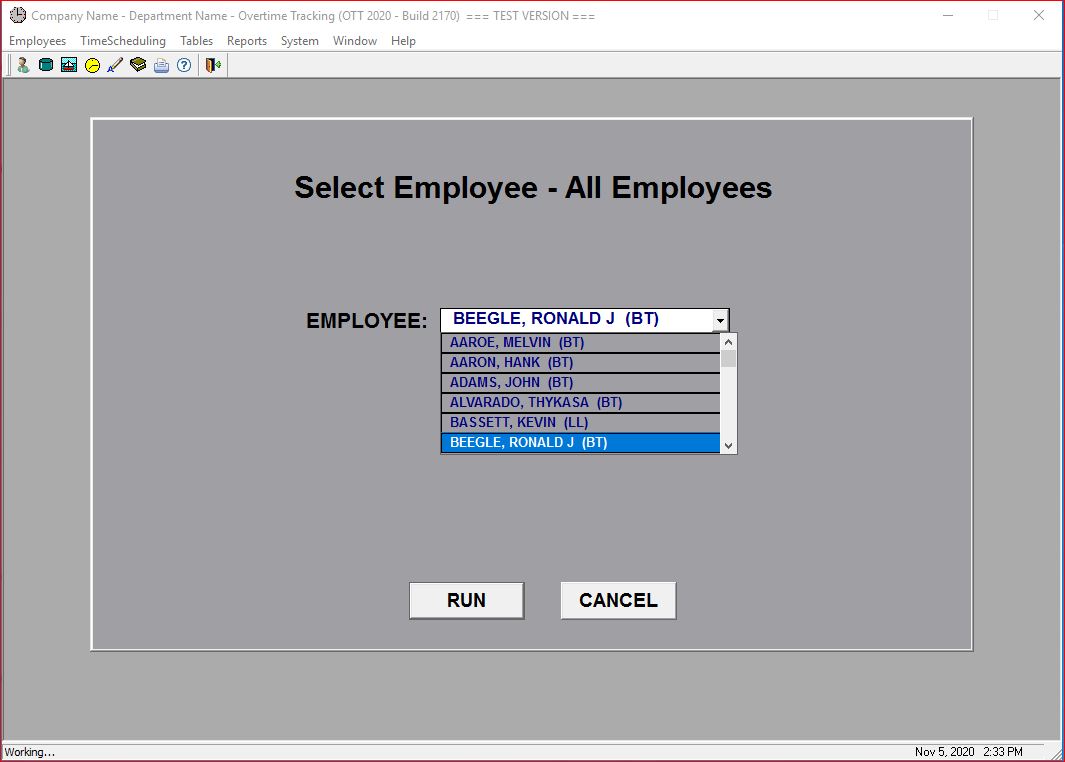
The system first displays a selection screen for the Supervisor to select the appropriate employee:
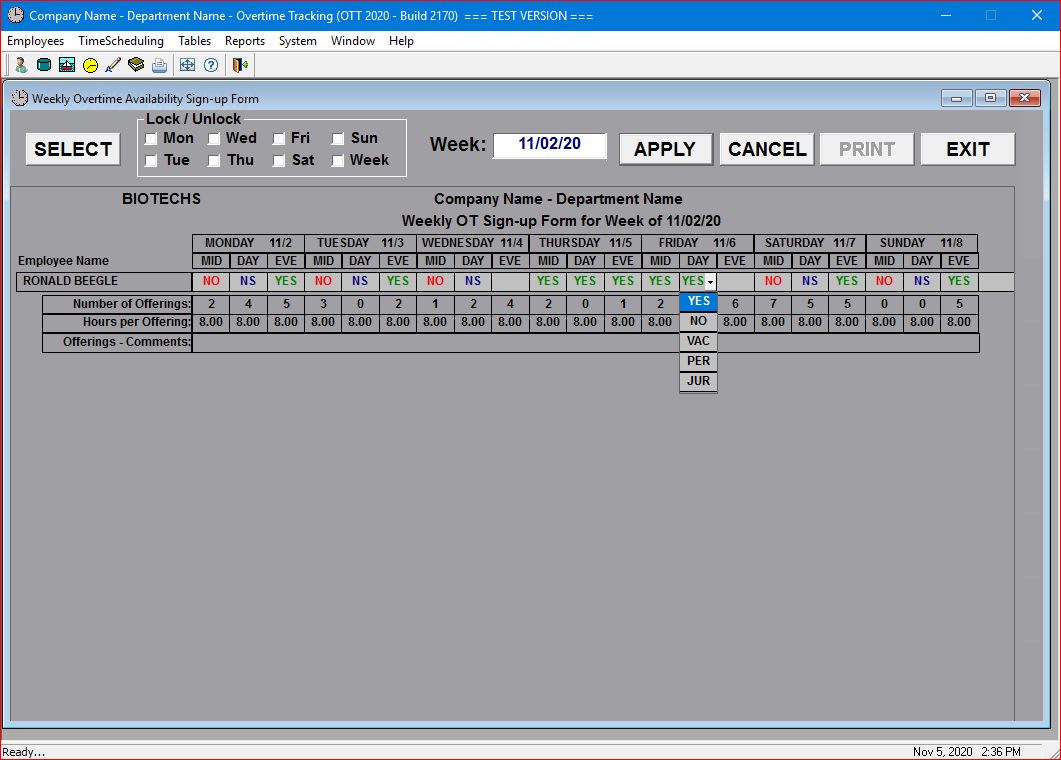
The following screen shows the employee selected along with their existing availability information:
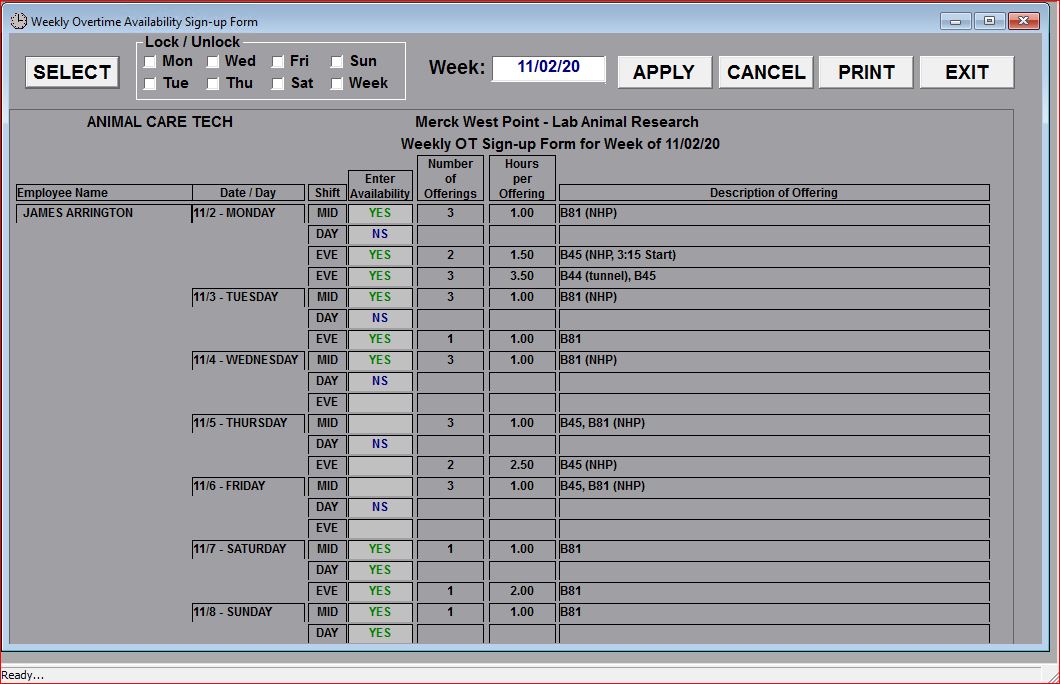
Companies or departments using the Job Offerings with descriptions (see Weekly Job Offerings Available) will have Job Availability displayed in a "top-down" format as in the screen below: